
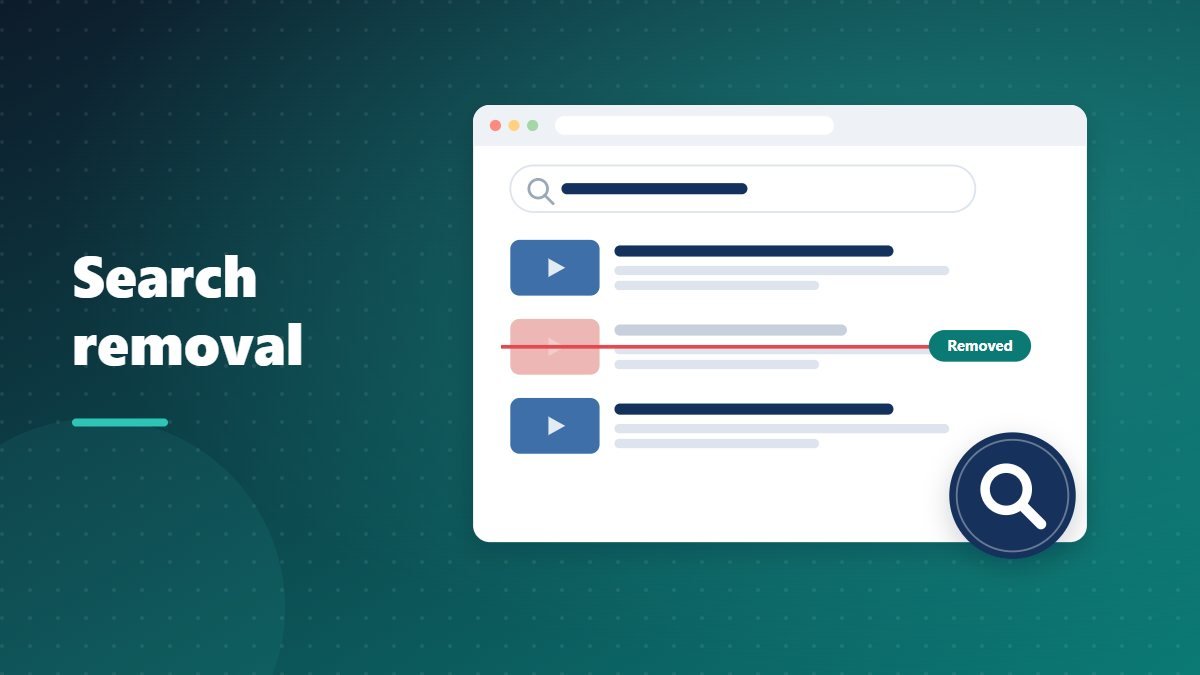
Removing a video from YouTube does not instantly remove it from Google. The old title, thumbnail and description can linger in search results until Google updates its index. Here is how to deal with that, and with other search results about you.
Why removed videos still appear
Search engines revisit pages on their own schedules. Until Google re-checks the video page, its search result can still show the old information, even though clicking it leads to a “video unavailable” message.
Ask Google to refresh the result
Google provides a way to request that outdated content is refreshed or dropped from results once the page has changed or been removed. Submit the exact URL of the removed video. Once Google confirms the page is gone, the result is updated or removed.
Removing personal information from search
Google has policies for removing certain personal information from its results, even when the page itself stays online. These include contact details such as phone numbers and home addresses, identification numbers and non-consensual intimate imagery. Google also offers tools that help you find results containing your contact information. In some regions, privacy laws give you additional rights to request the removal of outdated or irrelevant results about you.
What search removal cannot do
Removing a result from Google does not delete the video from YouTube. If the video is still online, deal with it on YouTube first, through a privacy complaint, copyright request or policy report, then clean up search.
Our Google search removal service audits what appears for your name and handles the requests.